Last Updated on 4 months ago by The Executive post
If you’ve ever tried to fix an image in Photoshop and ended up more confused than when you started, you’re not alone. Millions of professionals across India, the US, and the UK face the same wall — powerful tools that assume you already know everything.
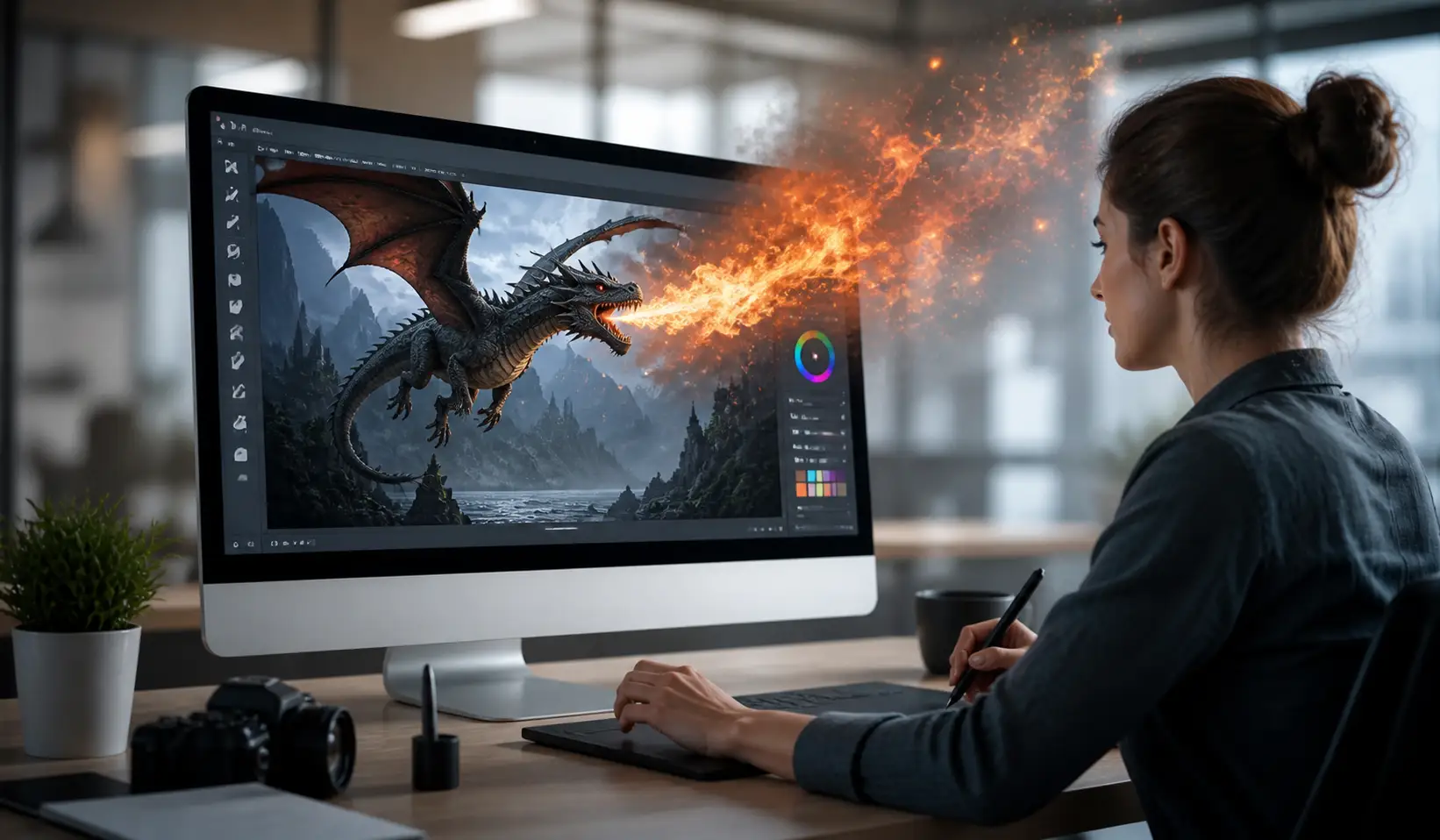
DragGAN AI flips that completely. This AI-powered image editor lets you reshape a photo just by clicking and dragging. No layers. No masks. No tutorials with 47 steps. By the end of this article, you’ll know exactly what DragGAN is, how it works, how it compares to other tools, and what you can realistically do with it today.
Table of Contents
What Is DragGAN AI Tool Editing and How Does It Work?
DragGAN is an advanced photo editing tool developed by the Max Planck Institute that uses artificial intelligence to let users make realistic alterations to photographs by simply dragging and placing points interactively. Its full name is literally “Drag Your GAN” — and that tells you everything.
GAN stands for Generative Adversarial Network. Think of it as two AI systems working against each other. One generates images. The other judges how realistic they look. They keep competing until the result is indistinguishable from a real photo. That’s the engine underneath DragGAN.
What makes DragGAN truly stand out from traditional photo editing software is how effortlessly it turns complex edits into simple gestures. You click a point on the photo and say, the corner of someone’s mouth and drag it upward. The AI instantly recalculates every surrounding pixel to make the smile look natural. No smudging. No distortion. Just a clean, believable result.
Unlike Photoshop, which merely moves pixels around, DragGAN uses AI to regenerate the underlying object. Users can rotate images as if they were 3D, change the dimensions of cars, manipulate expressions, and adjust reflections.
Here’s the thing most people don’t realise: DragGAN doesn’t just move pixels. It understands what’s in the image and rebuilds it intelligently. That’s a genuinely different approach to editing — and it matters.
DragGAN is built upon the StyleGAN2 architecture, which utilises a latent code to generate images. The generator uses different layers to control various attributes of the image, essentially modelling an image manifold. In plain English: the AI knows the structure of what it’s editing, not just what it looks like on the surface.
How to Use DragGAN AI Editing Tool
Here’s where things get practical.
Start by uploading your chosen image to the DragGAN platform. It works best with high-resolution photos for cleaner results. Click on the area you want to adjust — these points act as anchors that guide the edit. For example, place one on the corner of a smile, or the edge of a car door. DragGAN AI
Follow these steps to get the best results:
- Upload a clear, high-resolution image. Blurry or low-quality photos produce less reliable results.
- Set your handle points on the exact spot you want to move. Be precise — the closer to the feature you click, the more accurate the edit.
- Set your target points where you want that feature to end up.
- Drag slowly and watch the image adjust in real time. Don’t make one huge drag — small movements give you more control.
- Review and iterate. If you’re not satisfied, you can input new handles and target points and continue editing until you achieve the desired outcome.
- Save your final image once you’re happy with the result.
Real-world example: A product photographer in Delhi working with shoe ads used DragGAN to adjust the angle of a shoe in a flat-lay photo something that would have taken 30 minutes in Photoshop took under 5.
DragGAN works best on images that were generated by or processed through GAN-compatible formats. Standard JPEG photographs may have some limitations compared to GAN-generated images. Test with different images to see what produces the cleanest edits for your specific use case.
DragGAN vs Photoshop vs Canva
Unlike Photoshop, which merely moves pixels around, DragGAN uses AI to regenerate the underlying object. That single difference changes everything about how you work. In Photoshop, reshaping a face requires the Liquify tool, careful masking, and years of practice to make it look natural. In DragGAN, you drag a point and the AI handles the realism.
| Feature | DragGAN AI | Photoshop | Canva |
| Learning curve | Very low | Very high | Low |
| Realistic object reshaping | Yes | Limited | No |
| Requires design training | No | Recommended | No |
| AI-based regeneration | Yes | Partial (AI features) | No |
| Free to try | Yes (demo) | No (subscription) | Free tier |
| Best for | Photo manipulation | Full design | Templates |
DragGAN AI uses powerful generative adversarial networks to analyse the structure of an image and predict how changes should look in real time. This makes edits appear smooth, realistic, and naturally blended, even when making major transformations like shifting facial features.
Photoshop gives you control. DragGAN gives you intelligence. They’re solving different problems.
If you’re a social media manager in Mumbai editing product photos, or a freelance designer in London adjusting portraits, DragGAN can cut your editing time dramatically. You don’t need to know the pen tool. You don’t need to understand layers. You just drag.
That said, DragGAN isn’t a full design suite. It won’t help you build a poster or layout a brochure. Think of it as a specialist tool — brilliant at one thing: making image manipulation fast, precise, and realistic.
The bottom line: For creative photo edits, especially face and body manipulation, DragGAN outperforms most tools. For broader design work, you still need something like Photoshop or Canva alongside it.
Where DragGAN Fits in 2026
DragGAN isn’t the only AI photo editing tool out there. The space has grown fast.
Here’s how the current AI photo editing tool landscape breaks down and where DragGAN sits within it:
| Tool | Core Strength | Who It’s For |
| DragGAN | Point-based photo manipulation | Creatives, photographers, marketers |
| Adobe Firefly | AI-generated content inside Photoshop | Professional designers |
| Midjourney | Text-to-image generation | Concept artists, marketers |
| Remove.bg | Background removal | E-commerce, product photography |
| Luminar Neo | AI-powered portrait retouching | Portrait photographers |
| Remaker AI | Face swap, background removal, 4K upscaling & image-to-video | Content creators, influencers, e-commerce sellers |
Each of these tools solves a different problem. DragGAN is the only one that specialises in interactive point-based manipulation — meaning you control exactly which part of an image moves and exactly where it goes.
DragGAN AI uses powerful generative adversarial networks to analyse the structure of an image and predict how changes should look in real time, making edits appear smooth, realistic, and naturally blended even when making major transformations.
For a professional working across time zones — say, a digital marketer managing campaigns in India, the US, and the UK — the ability to make fast, convincing photo edits without a design team is a genuine competitive advantage.
What to look for in any AI photo editing tool before committing to it:
- Output quality — does it maintain realism, or does it leave obvious artefacts?
- Control — can you specify exactly what changes, or is it fully automated?
- Speed — how quickly does it process edits, especially on high-res files?
- Cost — is there a usable free tier, or does it lock core features behind a paywall?
On all four criteria, DragGAN performs well especially for its price point (free and open source). The trade-off is that it’s a specialist tool. It doesn’t try to do everything, and that’s actually a strength. A focused tool used well will always outperform a bloated one used poorly.
Frequently Asked Questions
What is DragGAN AI tool editing used for?
DragGAN is used for realistic, point-based photo manipulation. You can adjust facial expressions, reshape objects, rotate elements, and change the direction a subject faces — all by dragging control points on the image. It’s particularly useful for portrait editing, product photography, and creative image work.
How is DragGAN different from Photoshop?
Photoshop manipulates pixels directly — it moves or blends what’s already there. DragGAN uses AI to regenerate the image based on your edits, producing results that maintain the original object’s structure and realism. For facial or body editing, DragGAN produces more natural-looking results with far less effort.
Can beginners use DragGAN AI editing without design experience?
Yes. DragGAN was specifically designed to make complex image editing simple. You don’t need to understand layers, masks, or any traditional design concepts. If you can click and drag, you can use DragGAN. Most users get useful results within minutes of their first session.
Can beginners use DragGAN AI editing without design experience?
Yes. DragGAN was specifically designed to make complex image editing simple. You don’t need to understand layers, masks, or any traditional design concepts. If you can click and drag, you can use DragGAN. Most users get useful results within minutes of their first session.
What are the limitations of DragGAN AI tool editing?
DragGAN works best on GAN-generated or compatible high-quality images. It’s not a full design suite — you can’t create graphics, add text overlays, or build layouts. Very complex scenes with multiple overlapping subjects can sometimes produce inconsistent results. It’s a specialist tool, not a complete Photoshop replacement.

Financial & Data Analytics Specialist | Investigations & Research | NCFM Certified | Editor | Investment Analyst | Finance Blogger | Writer | Over 15+ years of experience, turning complex money matters into clear insights. Through my writing, I help readers navigate wealth, markets, and financial trends with confidence.